


Use the Research Agent to automatically gather and summarise key information about your prospects. Enrich lead records with meaningful insights—without jumping between tabs or doing manual research.

The Email Drafting Agent creates personalized outreach emails, follow-up messages, demo recap drafts, and replies based on your item’s fields and research. No templates. No guesswork. Just ready-to-edit content in seconds.
Build consistent sales follow-up cadences using the Sequencing Agent. Trigger multi-step nurture sequences when leads move into specific stages, ensuring no opportunity goes cold.








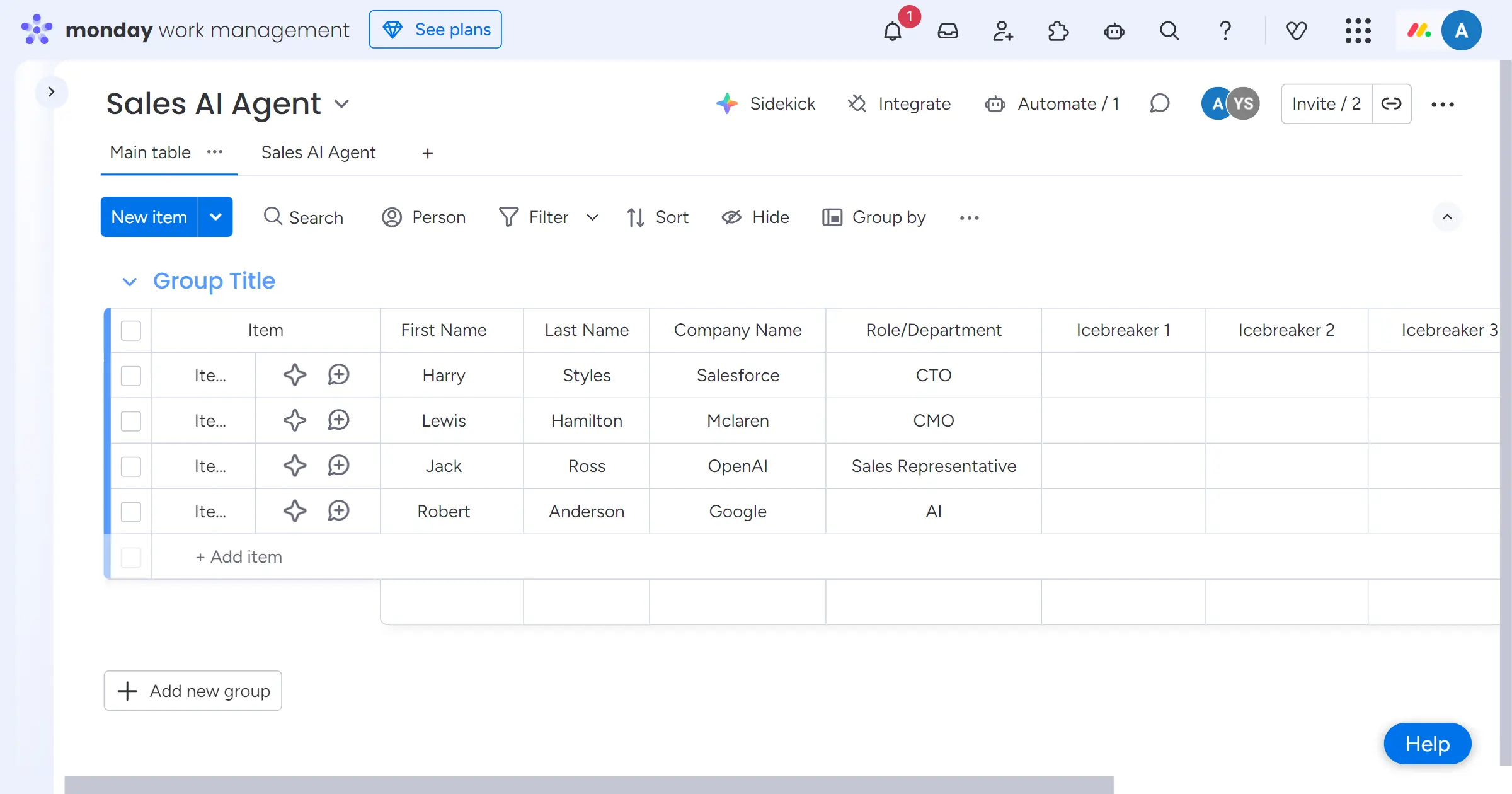
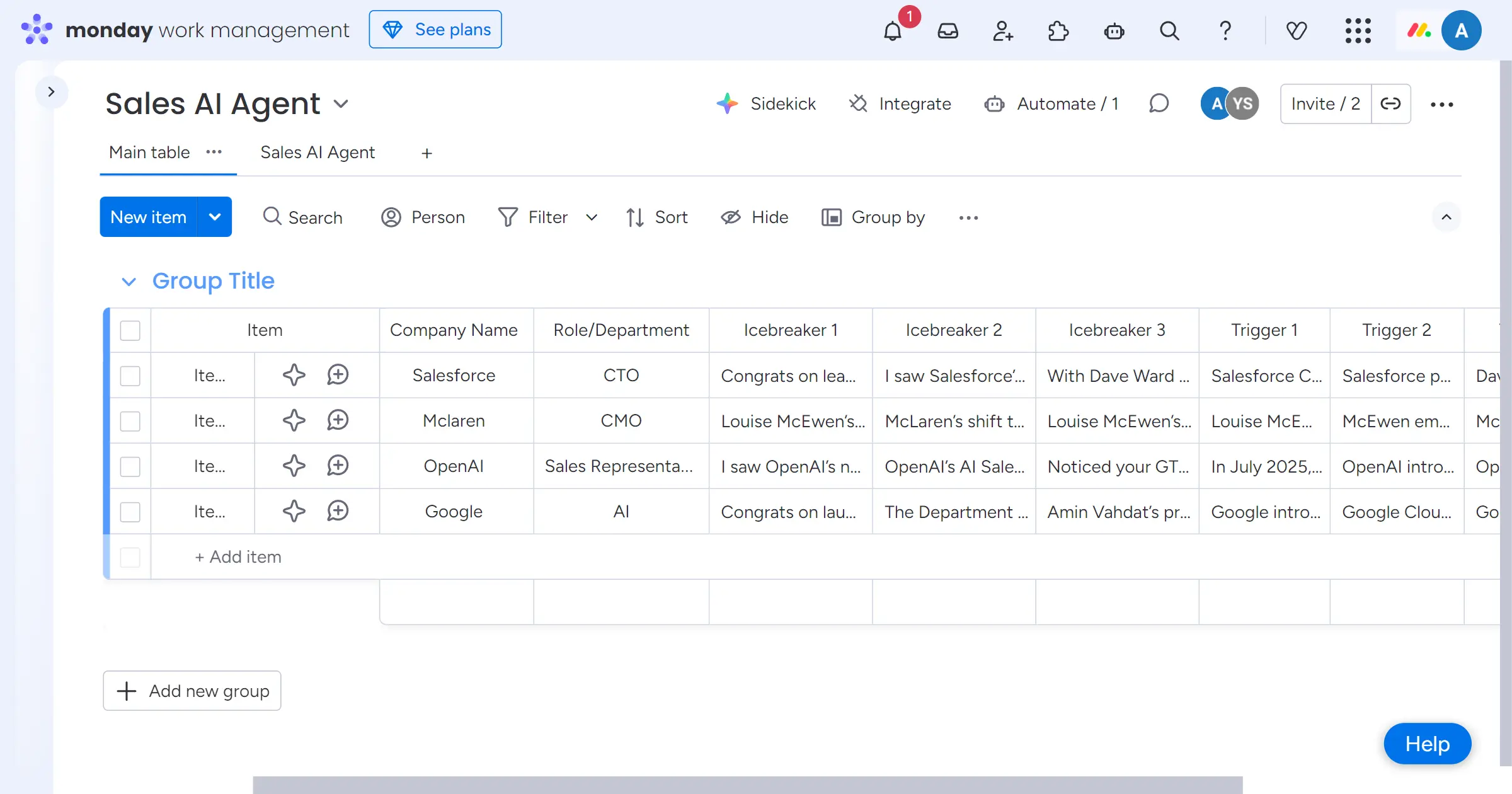
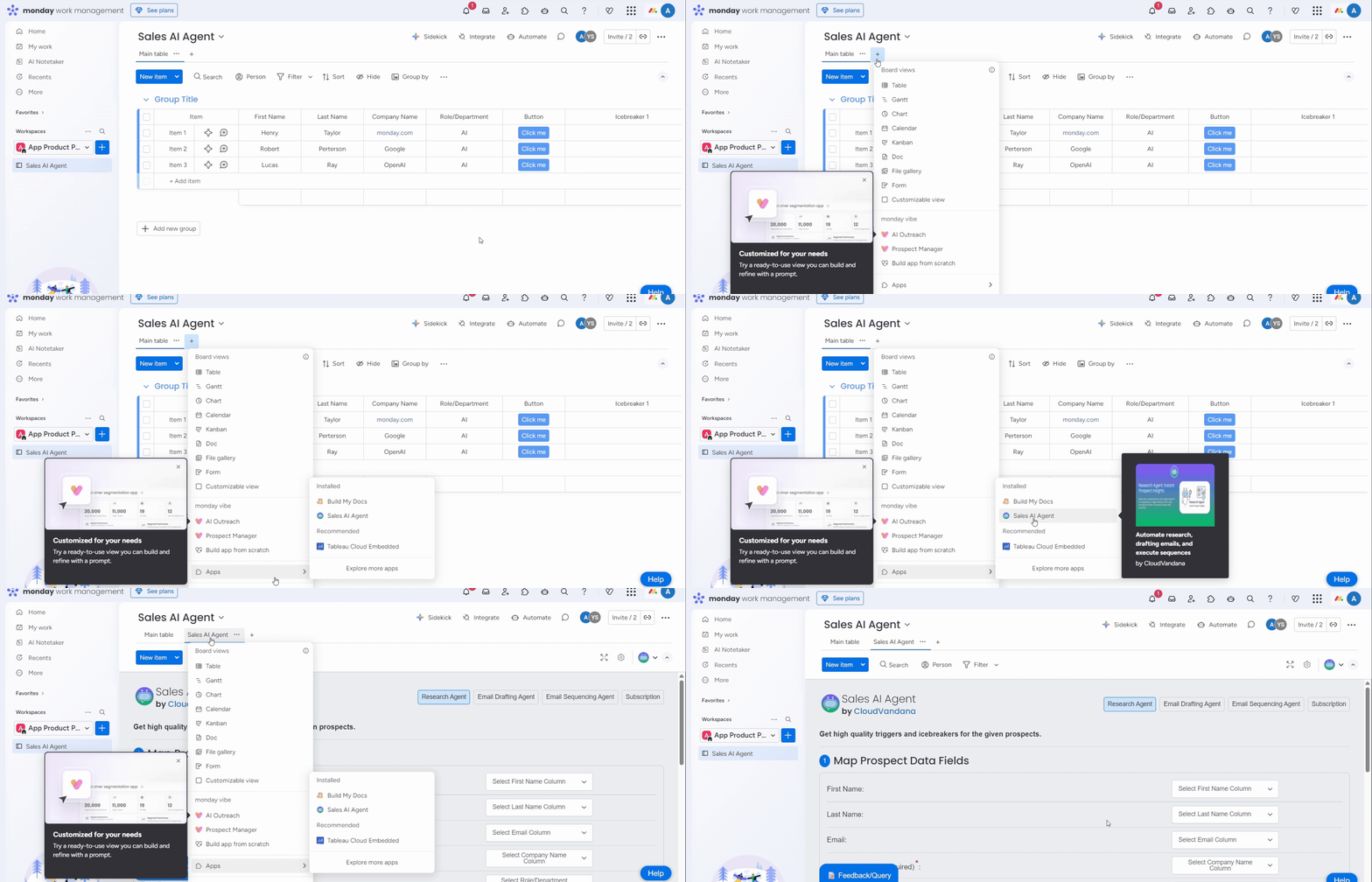
Create or import leads into your monday.com board. The agent uses your items as the source for research, drafting, and sequencing.
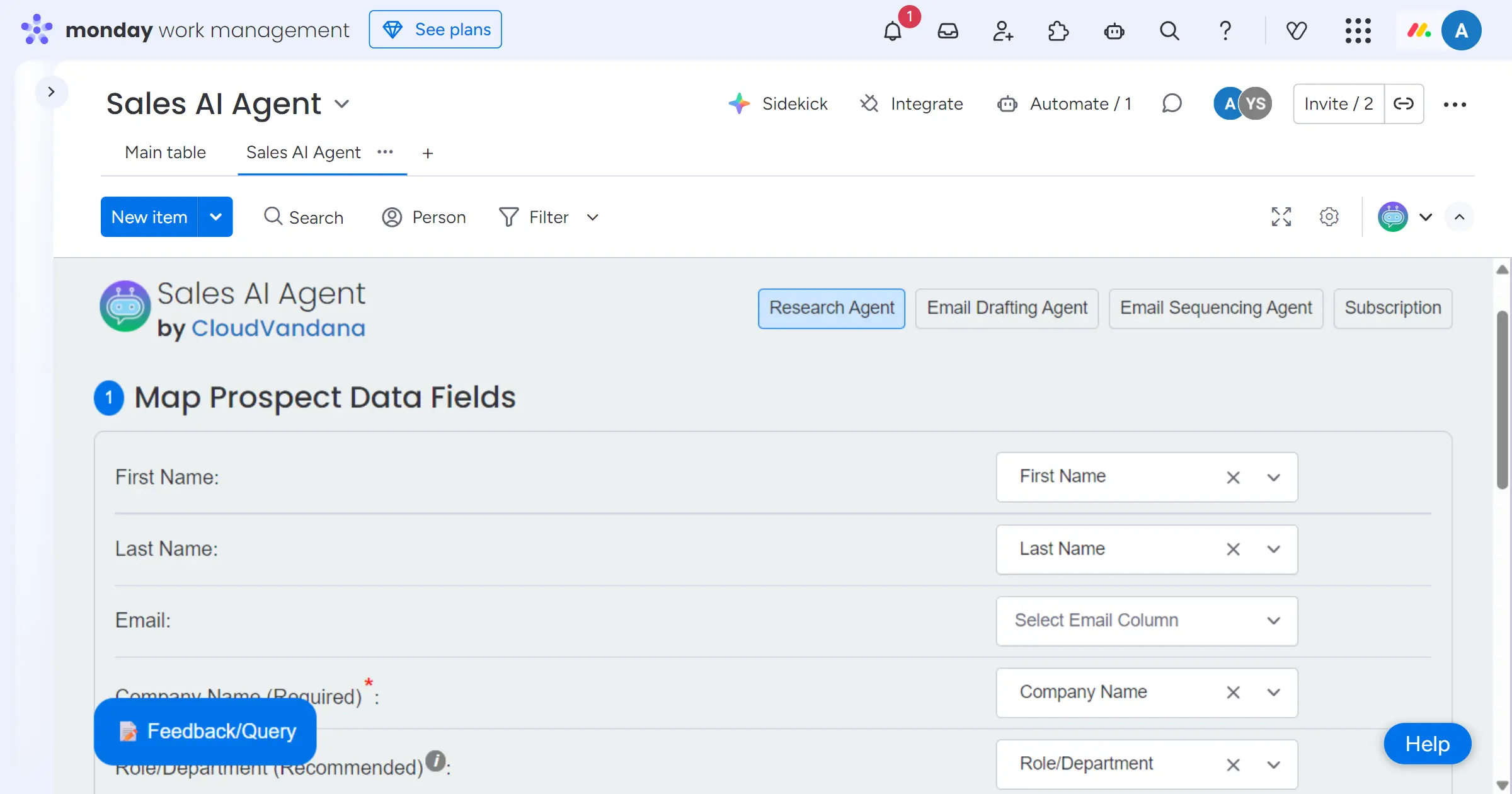
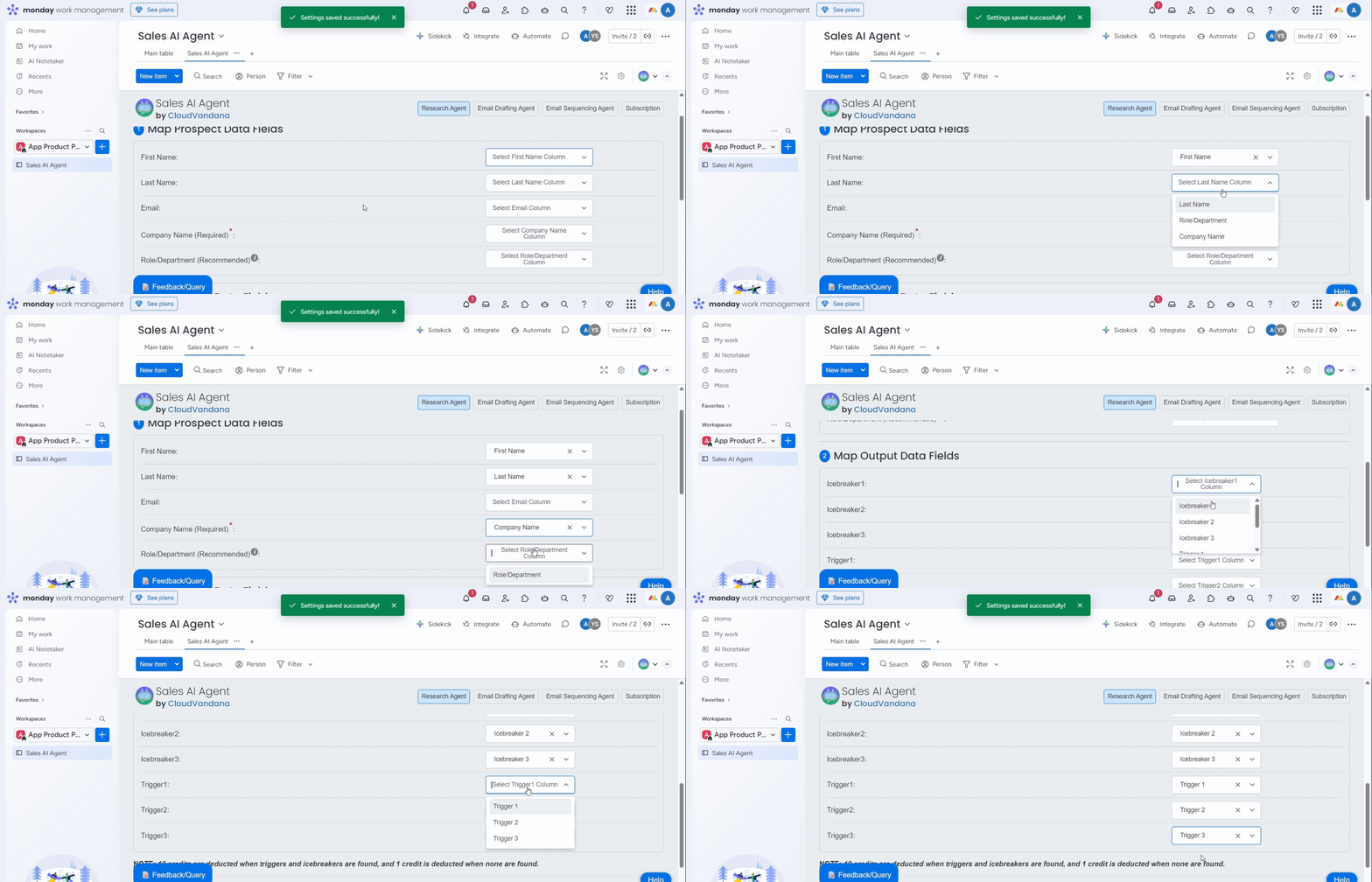
Select which fields contain key prospect information—like name, company, website, industry, notes, or role. This ensures accurate research and personalized email content.
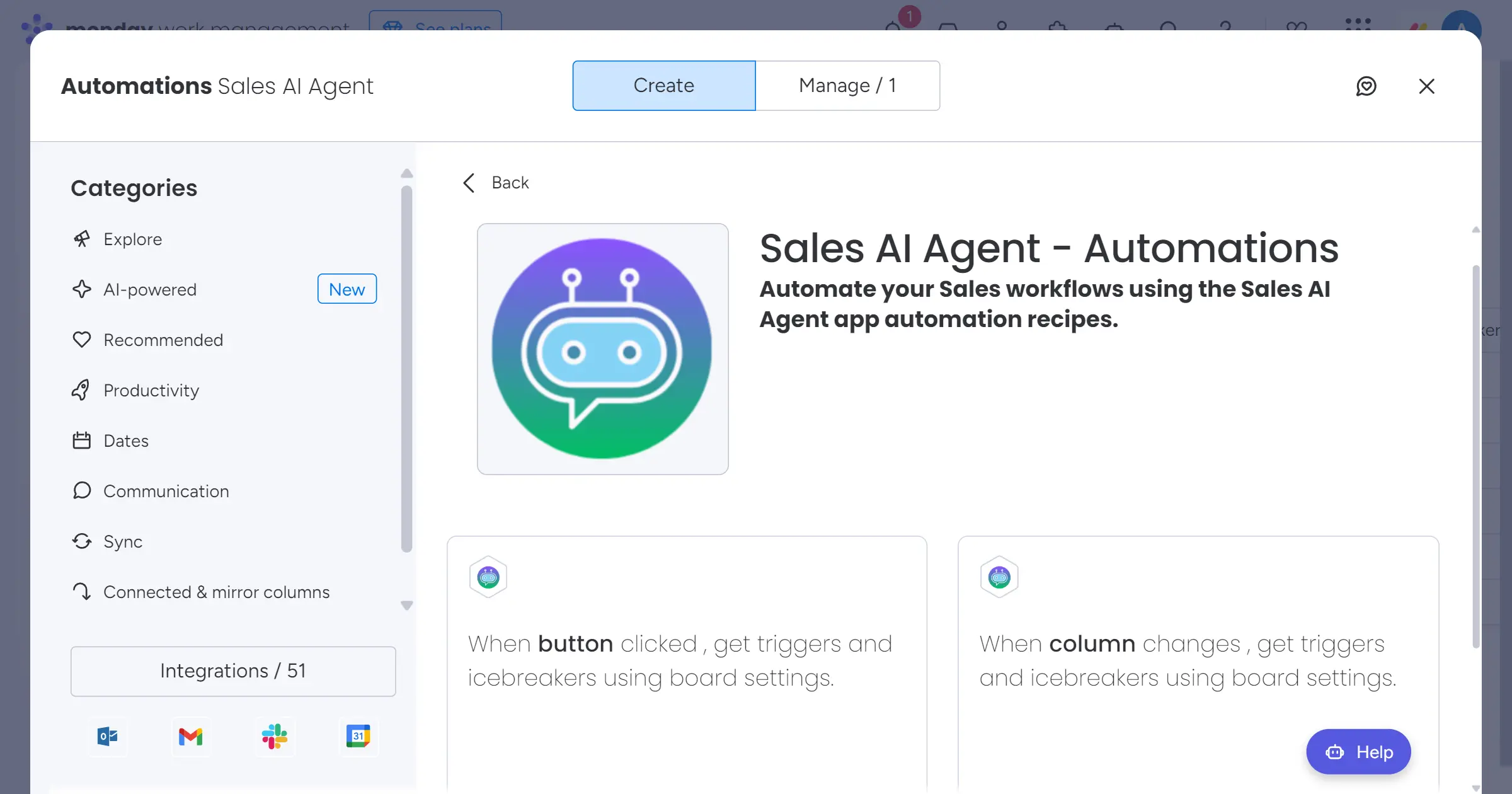
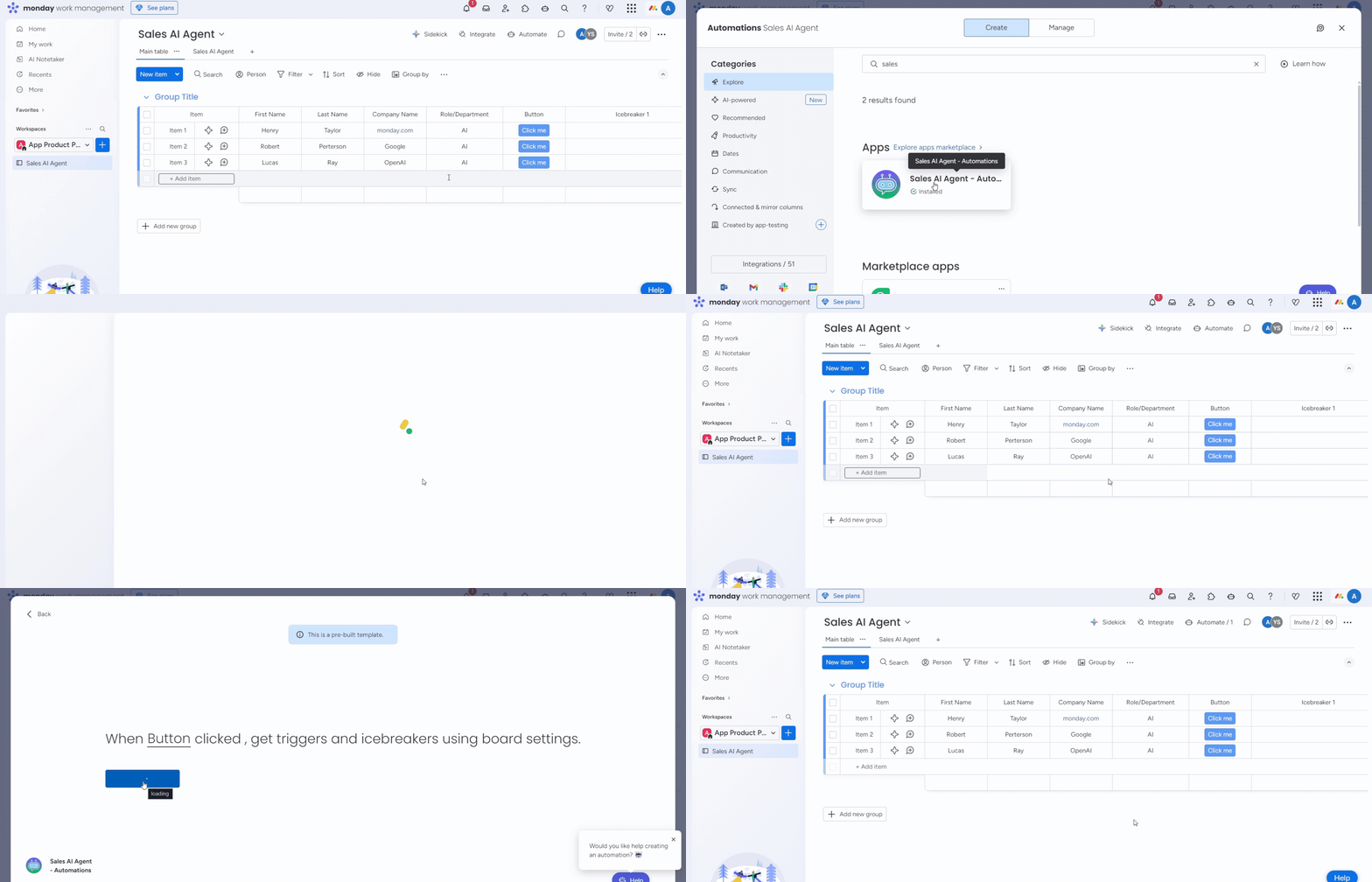
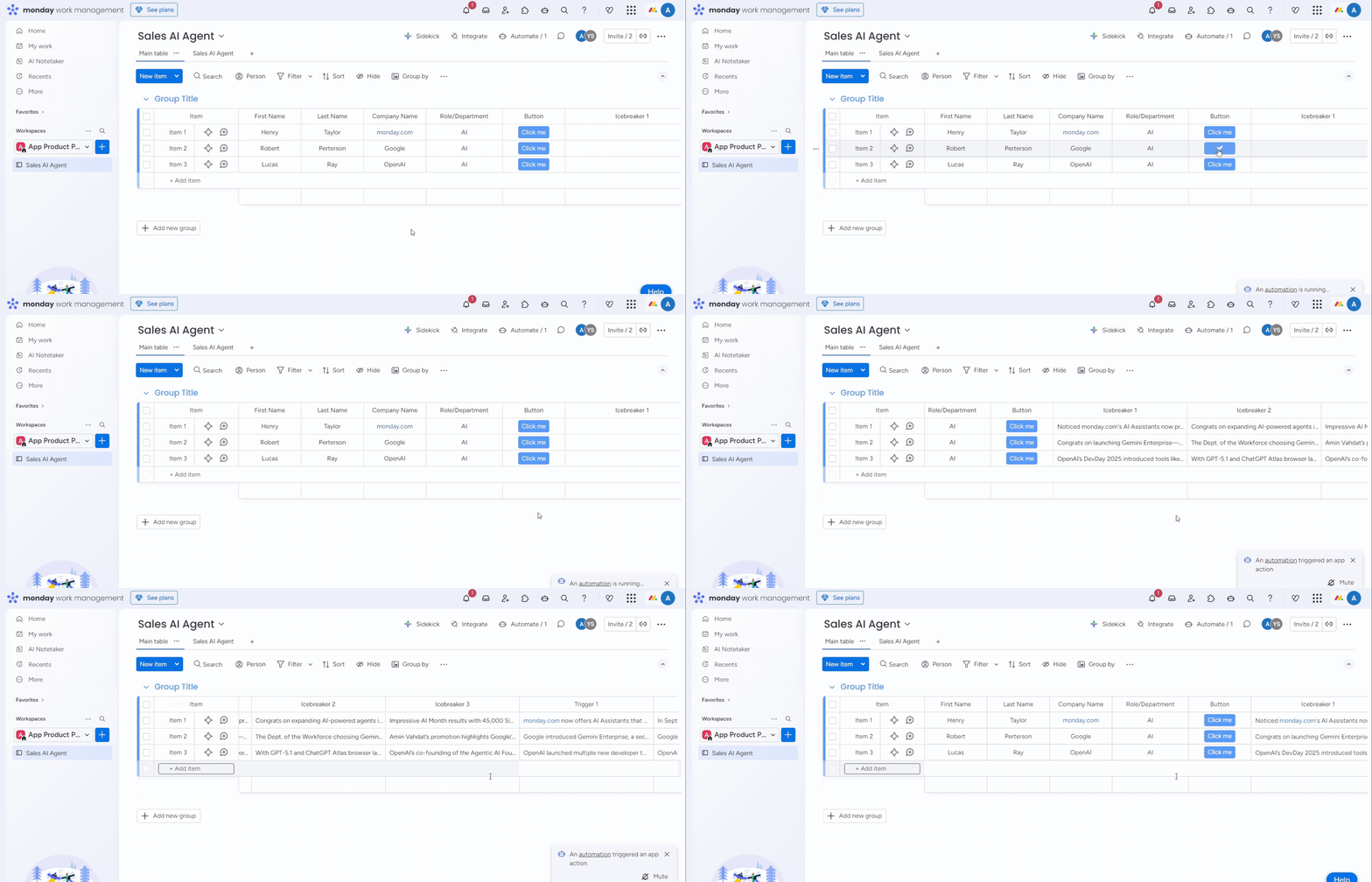
Choose when you want each agent to take action: When an item is created → Research the lead When status changes → Trigger a follow-up sequence When a field updates → Draft an outreach email Your automations handle everything behind the scenes.
Trigger the Research Agent, Email Drafting Agent, or Sequencing Agent anytime. Receive: Lead research summaries Outreach and follow-up email drafts A multi-step sequence ready to deploy All inside the item in seconds.
We used to spend hours researching each lead before writing even one email. Now the Research Agent pulls everything together, and the Email Drafting Agent gives us perfect starting points. The Sequencing Agent makes sure nobody slips through the cracks. Total game changer.
Our reps were great on calls but inconsistent with follow-ups. With the Sequencing Agent, every lead gets a complete nurture flow automatically. The team loves that emails are drafted for them, and I finally have a predictable pipeline.
As a small startup, we couldn’t afford a full-time research or outreach assistant. Sales AI Agent does both. The research summaries are accurate, the email drafts sound human, and the one-click workflow saves us hours every day.
It researches leads, drafts emails, and automates follow-up sequences directly inside monday.com.
Yes. You can run research, generate drafts, and activate sequences directly from the item sidebar.
Yes. Recipes allow you to trigger sequences or research actions from board-level automations.
Yes. It can create workdocs combining item fields, research summaries, and AI-generated email content.
Absolutely. monday.com automations can trigger research, drafting, and sequencing actions automatically.
All information remains within monday.com using standard platform permissions.
Up to ~200 leads per batch depending on configuration.
Thanks a ton for subscribing to our newsletter!